
Edited on your device
One tap runs on your own phone, even offline. The edit is measured and applied locally, then saved at the original's full resolution.
Picswit reads the light, colour and mood of your picture and applies the grade a professional would — computed entirely on your device, in seconds. Your photo never uploads, and the saved copy keeps its full original resolution.
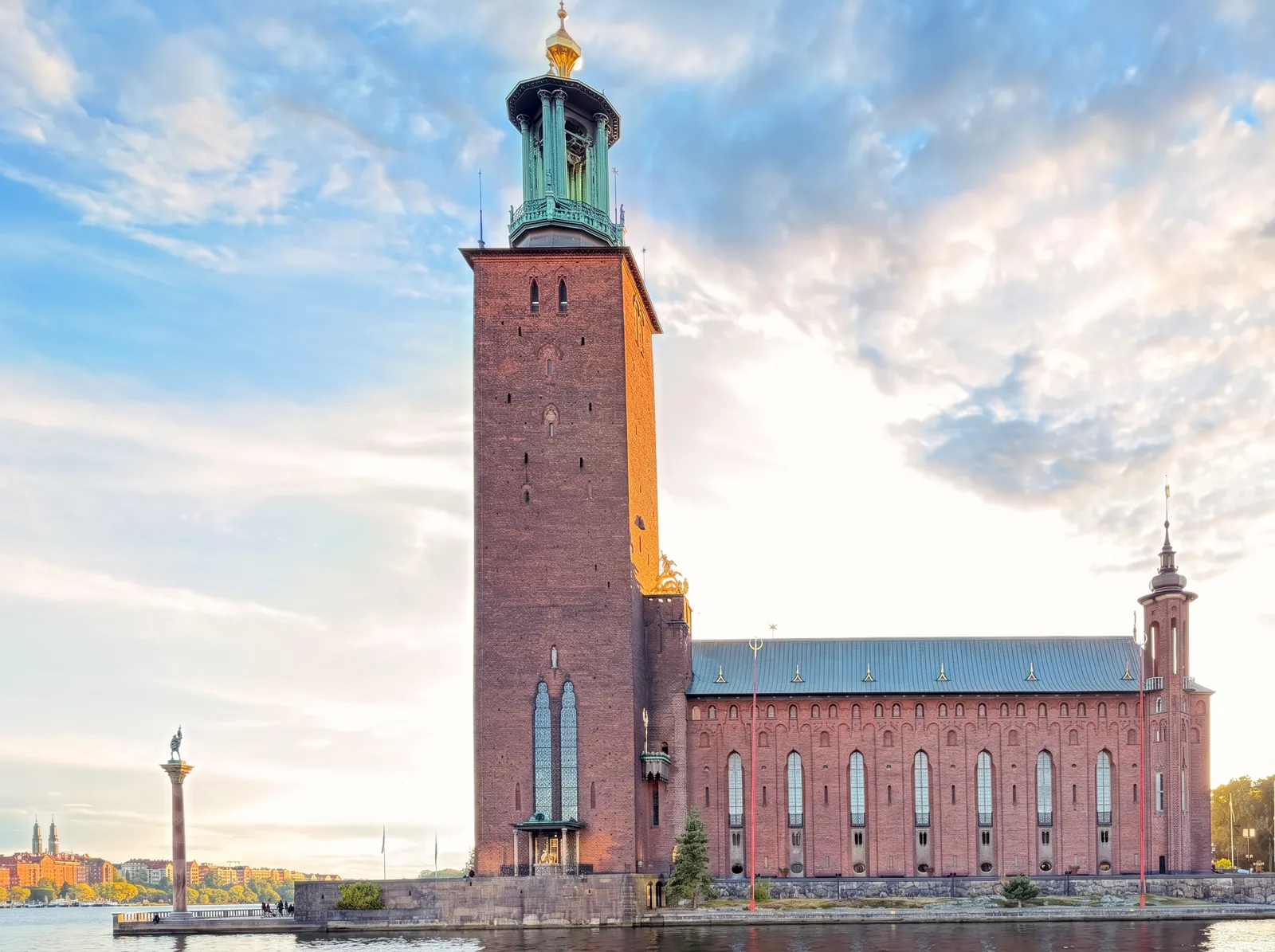 After · one tap
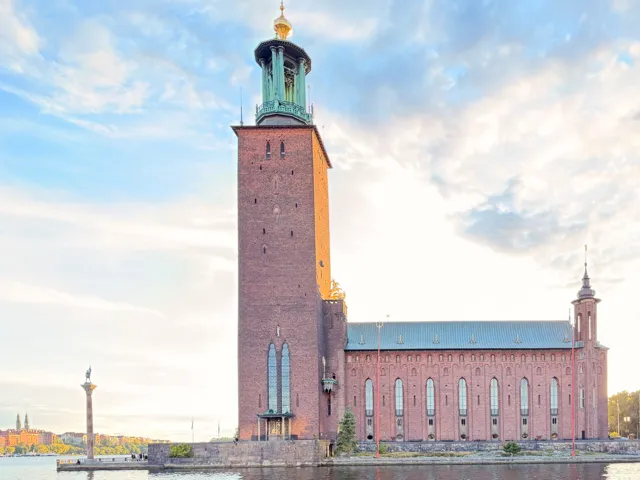 Before
See the difference
Pick a photo and watch it improve in seconds. No account, no tutorial.
Privacy before processing
The one-tap edit is computed entirely on your device. No upload, no server, no copy — the photo in your hand is the only one that exists.
How it works
Any photo from your phone — JPEG, PNG, HEIC or a camera RAW file. It opens straight in the editor.
Picswit reads the light, colour and mood, then applies a professional grade. Deeper sky, golden light, richer colour — in seconds.
The finished photo saves at the original's exact size. Faces, writing and buildings stay the camera's own — never repainted.
Editing you never have to learn
You don't need to know what exposure or split toning means to get a photo that looks deliberate. Tap once, look at it, keep it — and if you ever want to go deeper, every professional control is sitting right there.
One tap reads your photo and applies a professional grade — deeper sky, golden light, richer colour. It runs on your phone and finishes in seconds, at full resolution.
25 presets with plain names — Warm Glow, Bright, Classic B&W. Tap one, then make it stronger or softer if you feel like it.
Type “remove the people in the back” or “clean up the wires” and Picswit erases them, filling the space so it looks like they were never there.
Hold to compare with the original, undo as far back as you like, or go back to the untouched photo. Every step is reversible.
Open a .DNG or camera RAW straight from your card. Picswit develops it on your own device, so bright skies and deep shadows keep the detail a JPEG throws away.
Install Picswit and it opens full screen like any other app. Your photos stay saved on your phone.
Type “dramatic golden hour” or “cinematic black and white” and Picswit rebuilds the photo around that idea. No special wording to learn, no settings to hunt through—then compare it with your original and keep whichever you like better.
Ask for a different sky that fits the scene, a warm sun focus, or a bolder mood.
Picswit is in beta. AI editing runs on free reference codes while we test — request one after signing in. In the future, AI editing will be part of a paid plan.
Keep creating
Sign in for unlimited on-device one-tap edits, AI tools, full-resolution exports and a gallery that follows you between phones — every photo you saved, with its settings already applied.